Free app icons and screenshots for every store
No signup Pick one to start


Icon generator
Upload your logo once and get every app icon size for phones and TVs, correctly named.
iOS · Android · Android TV · Apple TV · Fire TV · Tizen · webOS · VIDAAOpen icon generator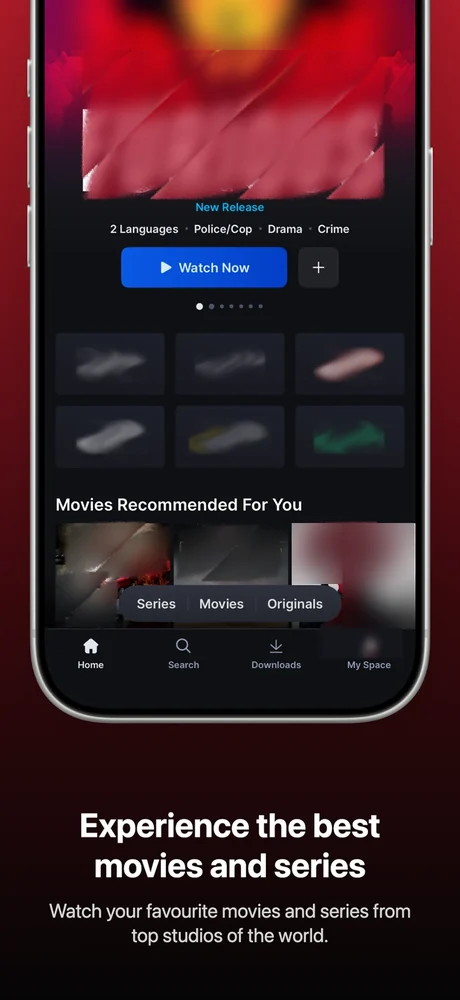
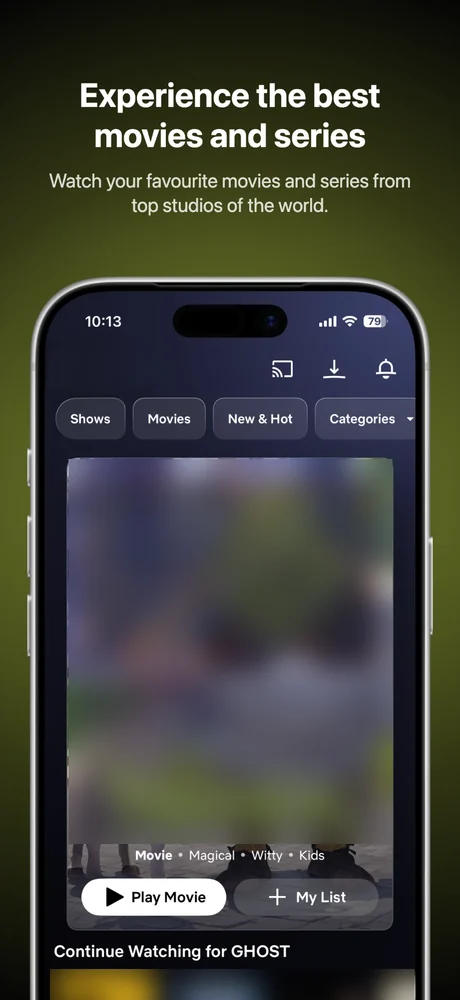
Screenshot generator
Frame your screenshots, add captions and backgrounds, and export every store size at once.
App Store · Google Play · Fire TV · Tizen · webOSOpen screenshot generatorWhat you get
Every store has its own sizes, filenames and rules. Layerico handles them.
1Icon generator
Every iOS size
Plus a single-size set with dark and tinted icons.
Adaptive layers
Android launcher, round, adaptive and monochrome icons.
Apple TV parallax
Layered icons and top shelf images, ready for Xcode.
Store graphics
Play feature graphic, TV banners, Fire TV background.
Named and foldered
Every file where each platform expects it.
2Screenshot generator
Device frames
Phone and tablet frames, straight or angled; full-screen for TV.
Click-to-edit captions
Type headlines and subtitles right on the canvas.
Matched backgrounds
Built from your screenshot’s own colours.
39 fonts, or your own
Self-hosted Google Fonts, or upload a font file.
Every size in one ZIP
Each store size laid out for its shape.
How it works
About a minute, start to finish. Nothing is uploaded — it all happens in your browser.
Upload
One square icon, or the raw screenshots from your app.
Preview
See it on real devices and store listings before you export.
Download
One ZIP — every size, correctly named and foldered.
Supported platforms
Mobile and TV in the same export. Each page lists the exact sizes for that store.
App icons
- Samsung Tizen117 × 117 · 512 × 423
- LG webOS80 × 80 · 130 × 130
- Android TV160 × 90 → 640 × 360 · 80 × 80 → 320 × 320
- Amazon Fire TV1280 × 720 · 1920 × 1080
- Apple TV400 × 240 · 800 × 480
- Hisense VIDAA512 × 512 · 1280 × 720
- iOS15 sizes · 1024 × 1024
- Android48 → 192 px · Round icons
- Android adaptive108 → 432 px · 66dp safe zone
Store screenshots
- App Store (iPhone)1320 × 2868 · PNG or JPG
- Google Play (Android)1080 × 1920 · PNG or JPG
- iPad2064 × 2752 · 2752 × 2064
- Android tablet1920 × 1200 · 1200 × 1920
- Amazon Fire TV1920 × 1080 · PNG or JPG
- Android TV1920 × 1080 · PNG or JPG
- Apple TV1920 × 1080 · 3840 × 2160
- Samsung Tizen1920 × 1080 · JPG only
- LG webOS1280 × 720 · PNG or JPG
Frequently asked questions
Is Layerico free?
Yes. Both tools are free — every platform, every size, no signup, no watermark and no limit on exports. Everything downloads as a single ZIP.
Which platforms does Layerico support?
App icons for iOS, Android, Android TV, Apple TV (tvOS), Amazon Fire TV, Samsung Tizen, LG webOS and Hisense VIDAA. Store screenshots for the App Store, Google Play, Fire TV, Samsung Tizen and LG webOS.
Does Layerico generate Android adaptive icons?
Yes. Upload a foreground and background layer separately and Layerico composites them with the correct 66dp safe zone across all five densities, adds a monochrome layer for themed icons, and writes ic_launcher.xml automatically.
What file should I upload?
For icons, a square PNG at 1024 × 1024 gives the best results — JPG and WebP also work. For TV platforms you can add widescreen 16:9 artwork for banners and top shelf images. For screenshots, upload the raw screenshots from your app.
Do I need to install anything?
No. Layerico runs entirely in your browser — your images are never uploaded to a server, and the ZIP is generated locally on your machine.